




- QBR automation should reduce manual preparation, but it should also make follow-through easier for the customer.
- A customer-facing QBR turns account data into shared outcomes, clear actions, relevant resources, and visible progress.
- Vidyard used EverAfter to scale personalized QBR coverage to 100% of its customer base, including SMB accounts.
- The question to ask of any QBR investment is simple: once the deck is ready, where does the customer go next?
QBR automation is having a moment. Teams can pull account data, build a narrative, and produce a polished presentation far faster than they could with manual spreadsheets and slide templates.
That progress matters. But it can also hide the real problem.
A QBR does not create customer momentum because the deck looked good. It creates momentum when the customer can see the shared plan, understand what changed, take the next action, and return to that context after the meeting.
When automation ends at the presentation, the customer is still left with a familiar post-meeting experience: an email recap, an attachment, a handful of links, and unclear ownership. The account team has a new record of what was discussed. The customer does not have a living program to act on.
The Short Version
- QBR automation should reduce manual preparation, but it should also make follow-through easier for the customer.
- A customer-facing QBR turns account data into shared outcomes, clear actions, relevant resources, and visible progress.
- Vidyard used EverAfter to scale personalized QBR coverage to 100% of its customer base, including SMB accounts.
- The question to ask of any QBR investment is simple: once the deck is ready, where does the customer go next?
The Deck Is Only One Part of the QBR
A business review has always had two jobs. The first is to make the value story clear. The second is to move the relationship forward.
QBR automation is very good at the first job. It can consolidate metrics, usage patterns, milestones, and account context into a tailored narrative. That gives customer success teams a more consistent starting point and helps more accounts receive a review.
The second job is harder. It requires a shared place where the narrative becomes work: a customer can revisit the agreed outcomes, see open actions, use the right resources, and understand what success looks like before the next conversation.
Without that layer, the review remains a quarterly deliverable. It may be personalized, but it is still static. The work that follows lives somewhere else.
That gap shows up in familiar ways:
- An action item belongs to a customer contact, but it is buried in a recap email.
- A usage insight is discussed live, but the customer cannot return to the related guidance when they need it.
- A renewal risk is visible to the account team, while the customer has no clear view of the plan to close it.
- The next QBR begins with the team rebuilding context that should have been available all quarter.
The objective is not to replace the meeting with a portal. It is to give the meeting a durable home.
Why the Meeting Is the Wrong Finish Line
A successful QBR should create a clearer next chapter for the customer. That chapter may involve onboarding completion, broader adoption, a new team rollout, a success-plan milestone, renewal readiness, or an expansion opportunity.
Those motions do not begin when the next calendar invite arrives. They begin when the customer can act on the decisions made in the current review.
A customer-facing QBR gives the account a continuity layer between conversations. The review is no longer a single event that disappears into internal notes. It becomes an evolving experience that keeps the customer oriented around value.
For the CS team, that changes the operating model too. Instead of chasing updates across inboxes and documents, the customer success manager can see what the customer has viewed, what actions remain, and where the plan needs attention. The review becomes part of the customer journey, rather than a report about it.
Five Components of a Customer-Facing QBR
A scalable QBR does not need more slides. It needs a structure that makes the next step obvious.
1. Shared Outcomes and Success Criteria
The customer should be able to see the outcomes that matter to their business, not only a list of product activity. That gives both sides a reference point for the conversation and the work that follows.
2. Value, Usage, and Progress in Context
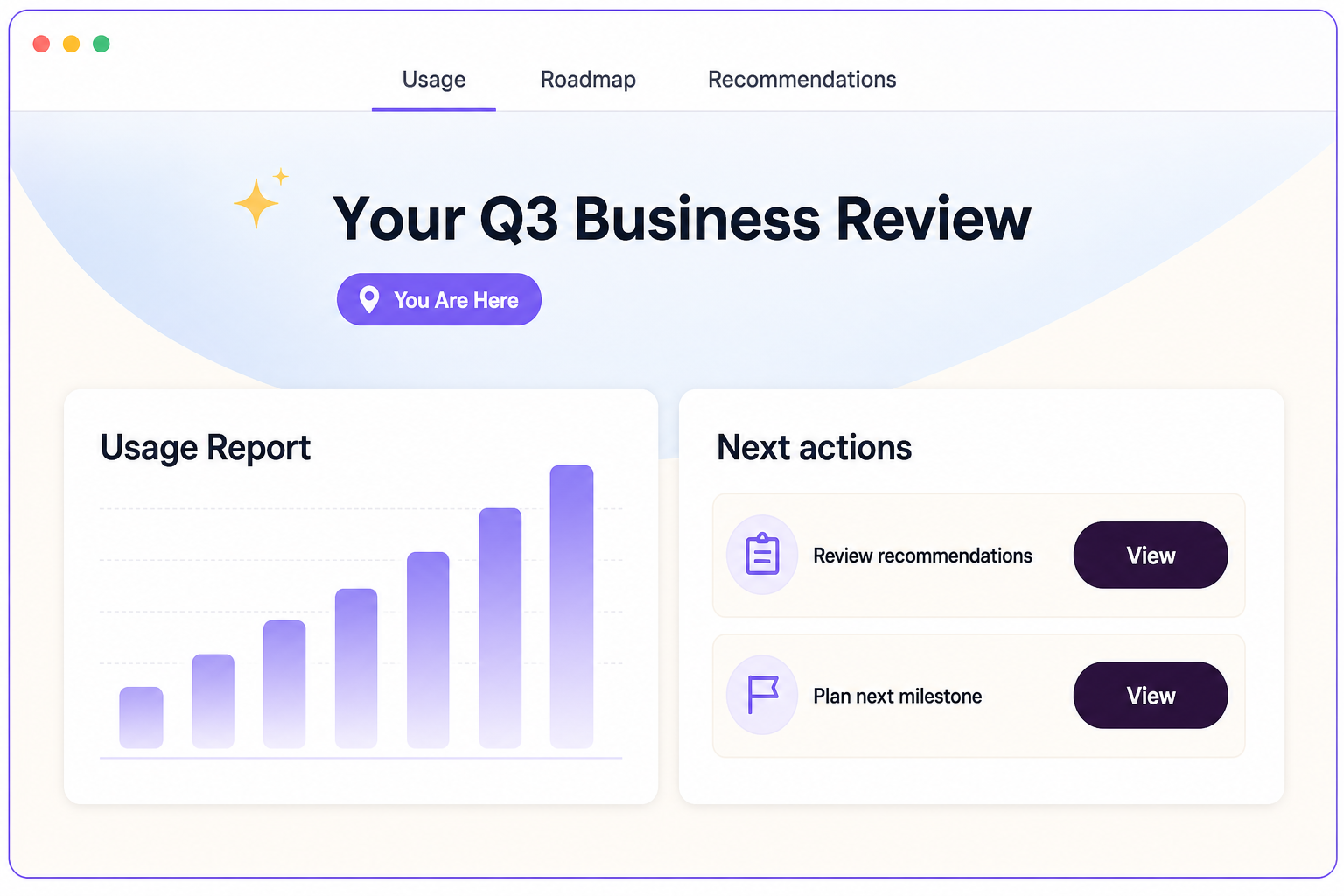
Data is more useful when it answers a customer question: What has changed? What value are we seeing? What is holding progress back? A customer-facing review should connect the data to the outcome, without asking the customer to interpret a dashboard alone.
3. Clear Owners and Next Actions
Every commitment needs an owner, a next step, and enough context to be completed. The action should live where the customer can find it, rather than in a private follow-up system.
4. Relevant Resources and Recommendations
A QBR often exposes the next learning moment: a feature to activate, a workflow to adopt, an enablement resource to share, or a stakeholder to involve. Put those resources beside the insight that created the need.
5. A Visible Path Into the Next Lifecycle Motion
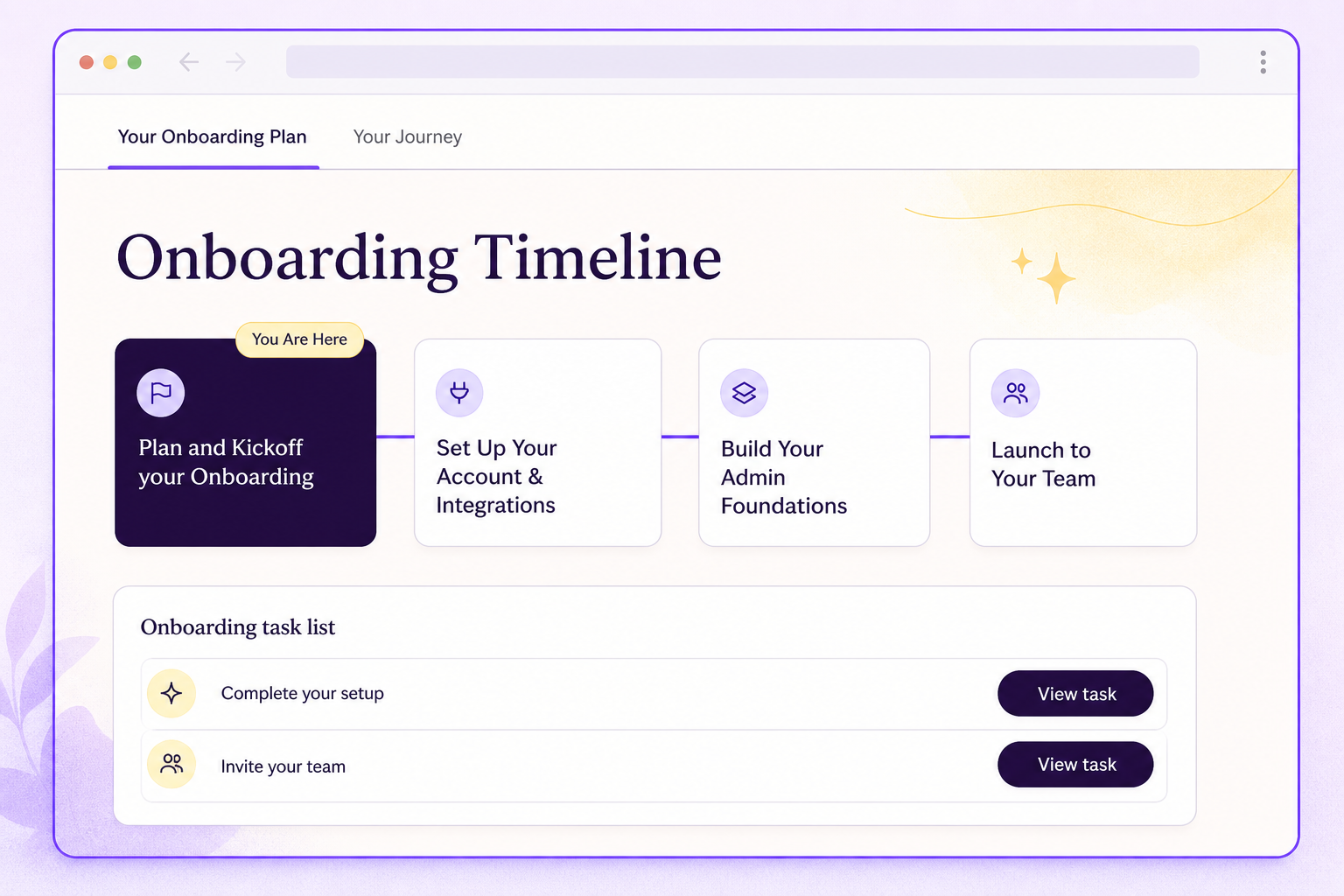
The business review should connect to what happens next. That could be a digital success plan, an adoption program, an onboarding milestone, a renewal experience, or an expansion conversation. The customer should not need to reconstruct the story from separate touchpoints.
What Changes When the Customer Has the Program
The practical benefit is not simply a nicer experience. It is a more usable operating system for the relationship.
Customers get continuity. They can return to the value story and the plan without searching for a recap or waiting for a CSM to resend it.
Customer success gets visibility. The team can see whether agreed actions are moving and where a customer needs support, instead of treating the QBR as an isolated touchpoint.
Leadership gets a scalable motion. The QBR becomes repeatable across segments because the format supports a shared program, not a one-off, high-touch presentation process.
This is particularly important for digital and scaled customer success. A team cannot deliver a bespoke follow-up process for every account. It can give every account a relevant, branded place to understand value and act on the plan.
The experience you only give your top ten should not end when the meeting ends.
How Vidyard Scaled QBRs to Every Customer
Vidyard needed a way to deliver tailored experiences across onboarding and QBRs without depending on manually assembled decks. On its EverAfter customer story, the company describes how personalized QBRs moved from a high-touch motion to 100% QBR coverage, including SMB accounts.
The case study also explains the difference between a static deliverable and a customer experience. Vidyard uses dynamic, data-driven QBR experiences so customers can understand usage, identify gaps, and take action. The company connects onboarding, QBRs, and renewals through one evolving customer journey.
That is the real promise of QBR automation. Preparation becomes faster, but the larger outcome is that more customers can receive an experience that helps them continue the work after the review.
Read the full Vidyard customer story or explore EverAfter's approach to AI-powered business reviews.
The Test for QBR Automation
When evaluating AI QBR software or an automated business-review process, do not stop at the question, “Can it build the deck?”
Ask a second question:
Once the review is generated, where does the customer go next?
If the answer is an email attachment, a shared drive, or another meeting, the automation has handled preparation but not progress.
A customer-facing QBR gives the customer a clear answer. It turns the review into a shared program, keeps actions and resources connected to the value story, and creates a continuous path from one lifecycle moment to the next.
Questions Customer Success Teams Ask
What Is QBR Automation?
QBR automation uses customer data, templates, and workflows to reduce the manual work of preparing quarterly business reviews. The strongest approach also creates a customer-facing experience for follow-up, not only a presentation.
How Can Teams Automate QBR Follow-Up?
Keep agreed outcomes, owners, actions, resources, and progress together in a customer-facing hub. That lets the customer return to the plan and lets the CS team see where support is needed between reviews.
What Should a Customer-Facing QBR Include?
It should include the outcomes that matter to the customer, value and usage context, clear next actions and owners, relevant resources, and a visible connection to the next lifecycle motion.
Can QBRs Support Adoption and Renewal?
Yes. When the review gives customers a shared, actionable view of value and next steps, it can connect adoption work to the wider renewal and expansion journey. The effect depends on the customer program and the actions taken after the meeting.
Turn Every QBR Into a Customer Program
Give customers a branded place to understand value, take the next action, and keep moving between reviews.

.png)

.png)


%20(1).png)


.png)
.png)
.png)


.avif)




.png)
.png)
.png)


